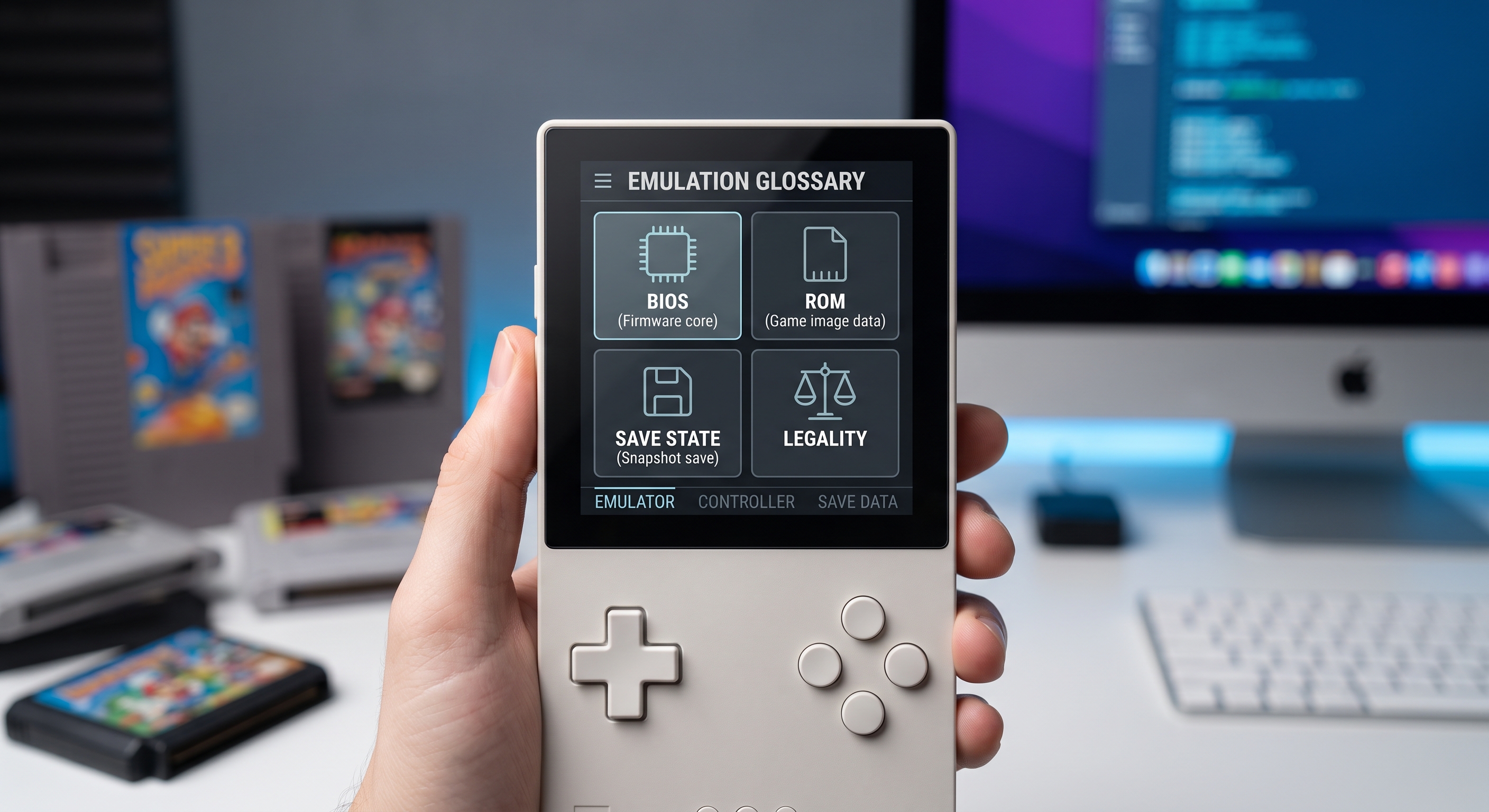
If you're just getting started with emulation on the iPhone, you'll come across a bunch of terms that nobody explains: ROM, BIOS, core, save state, shader… This guide clarifies each term and, while it's at it, answers the question everyone asks: Is it legal?
The Basics
Emulator: the program that mimics a console’s hardware. Retro-Emulator includes several “cores,” one for each system: NES, SNES, Game Boy, PlayStation…
ROM: A digital copy of the game—the contents of the original cartridge or CD converted to a file (.nes, .smc, .gba, .bin…). This is what you load to play.
BIOS: The console’s internal firmware. Some consoles (PlayStation, Sega CD, Saturn) require their BIOS file to launch games; others (NES, Game Boy) work without it because the emulator simulates it.
Save state: a snapshot of the game’s entire state—memory, position, everything. Unlike the game’s internal save feature, it lets you save at any point, even where the original wouldn’t let you.
Core: within Retro-Emulator, the engine that emulates each specific console. Some systems have several alternative cores with different balances of precision and speed.
Shader: Visual filters that mimic the look of the original CRT monitors—scanlines, curvature, blur. Optional, but they bring back the “flavor” of the era.
The Real Legal Situation, Without Myths
Emulation itself is legal—the courts have repeatedly confirmed this (emulators are original software written through reverse engineering). The tricky part is where the ROMs and BIOS come from:
- Dumping your own games for personal use is the most defensible approach and the practice recommended by the community.
- Downloading ROMs of games you don’t own is what publishers go after—that’s where the real risk lies.
- The BIOS is copyrighted software: the right thing to do is to extract it from your own console, not download it.
- Homebrew and abandonware: There are hundreds of free and legal games created by the community—perfect for getting started hassle-free.
Common beginner mistakes
- The ROM won’t start: this is usually due to a corrupted download or the wrong format (unzipped .zip file, incorrect region).
- PlayStation asks for the BIOS: You need the BIOS file from your own console placed in the correct folder within the emulator.
- The game runs slowly: Try a different core or disable shaders—CRT filters take a toll on the GPU.
- Losing your game: Use save states in addition to the internal save; some modified ROMs corrupt the standard save file.
Best Practices
Organize your ROMs by console into folders, verify that they work before building a massive library, and save your save states to iCloud or export them from time to time. With Retro-Emulator, the library organizes itself if the filenames are clean.
Conclusion
A ROM is the game, the BIOS is the firmware, the core is the engine, and a save state is your lifeline. With that in mind, and by using content you own or that is legal, emulation is a fantastic way to preserve and enjoy the history of video games right in your pocket.