An AirTag costs less than €35 and fits in a pocket, a backpack, or under a car's bumper. They are useful for not losing your keys, but that same size makes them the cheapest covert tracking tool available. Here's what they actually emit and how to detect them with your own iPhone.
How a Bluetooth tracker "talks"
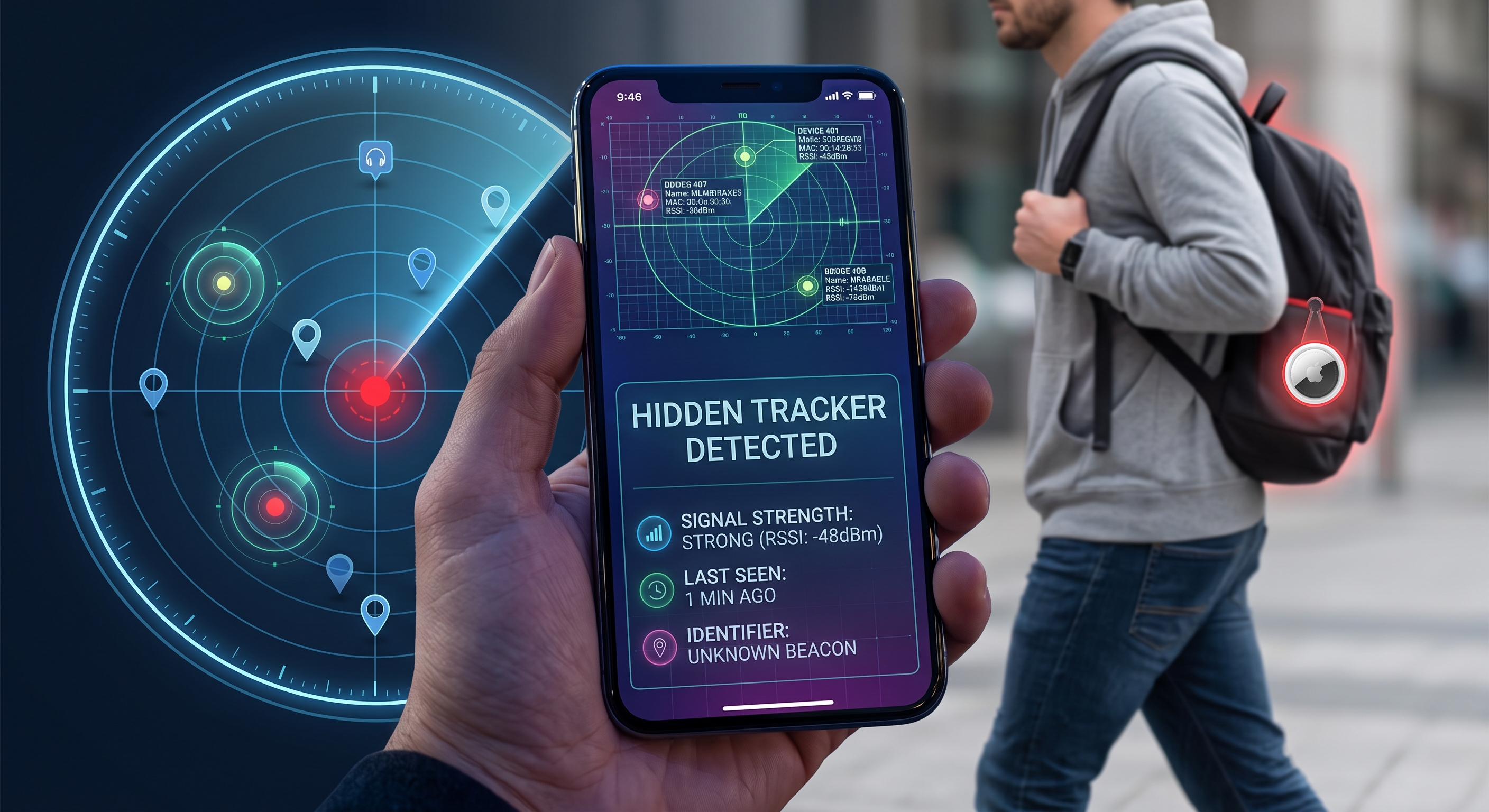
An AirTag, a Tile, or any BLE tracker does not connect to your phone: it continuously emits an advertising packet containing its identifier, even if no one is looking for it. Any nearby Bluetooth device —including yours— can read that signal without pairing and extract its RSSI (strength, which indicates approximate distance) and, in some cases, its MAC address.
This is exactly the same mechanism by which a tracker locates your keychain: the network of hundreds of millions of iPhones reports in the background the location of any AirTag it detects passing by.
Signs you might be carrying a tracker
- Your iPhone notifies you with the "AirTag Found With You" alert after you have been traveling with someone who is not the owner for a while.
- The same unknown Bluetooth device appears in multiple scans, in different locations, over the course of hours.
- Your car, suitcase, or bicycle shows a small, magnetic object attached in a hard-to-see area (wheel well, under the seat, inside a bag lining).
How to scan yourself, without waiting for the automatic alert
iOS's native notifications only cover AirTags and compatible "Find My" accessories, and with a delay. To see everything that is emitting Bluetooth around you right now —regardless of brand— you need a BLE analysis app:
- Open an app like BLE Analyzer and start a scan in the place where you suspect (car, suitcase, backpack).
- Note devices with high and stable RSSI (strong and constant signal): a hidden tracker nearby does not move or distance itself the way another person's phone would as they pass by on the street.
- Repeat the scan at another location, a few hours later. If the same identifier continues to appear, it is no longer a coincidence.
- Check the manufacturer that resolves the MAC address or the advertised service name: many commercial trackers identify themselves by their manufacturer prefix, even if they hide the name.
What to do if you confirm a tracker
- Separate it from your personal belongings as soon as you physically locate it; they are usually small discs or bars with a tiny speaker.
- Remove the battery if the device allows it; most commercial trackers use a standard button cell battery.
- Save the date, location, and a photo before tampering with it, just in case you need to report it.
- If you suspect it belongs to someone you know and there is a risk to your safety, contact the police rather than the person you think placed it.
Common false positives
Not everything that shows up in a scan is a tracker: neighbors' headphones, smart scales, BLE locks, or another person's watch generate similar signals. The difference lies in persistence: headphones move away when their owner leaves; a tracker hidden in your car stays with you even if you move to a different place.
Conclusion
Bluetooth trackers are legal and useful when used by their owner for their own belongings; the problem is when the monitored object is you without your knowledge. A periodic BLE scan of your car or luggage, paying attention to signals that persist over time and space, is the most reliable way to detect it before the system's automatic notifications do it for you.