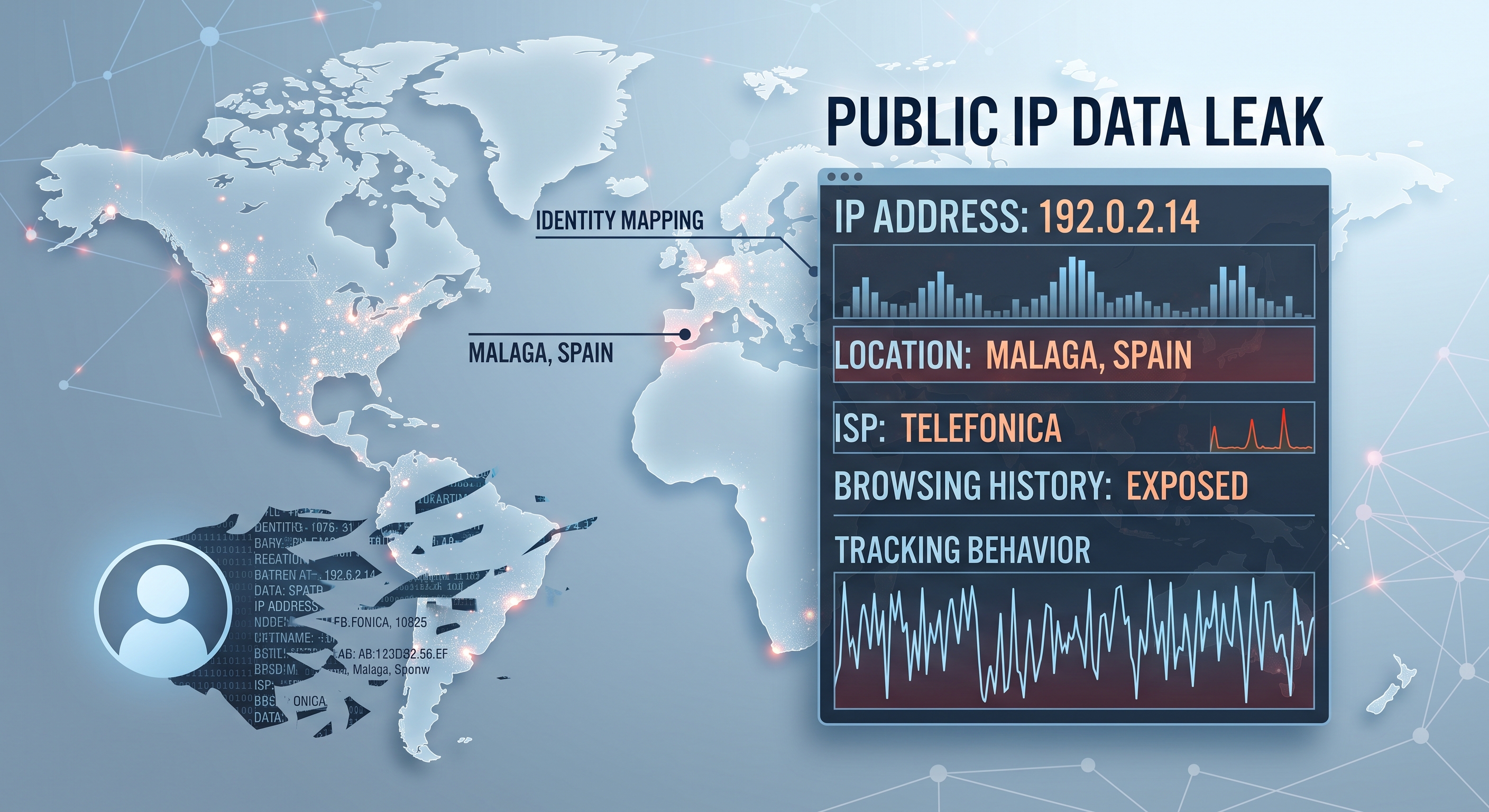
When you visit a website, your browser hands over your public IP address before loading anything. It is necessary—without it, the server wouldn't know where to send the response—but that same address reveals more about you than most people think.
Public IP vs Private IP
Your device has two IPs. The private one (something like 192.168.1.50) only exists inside your Wi-Fi and is assigned by your router. The public one is assigned by your internet provider to your connection and is seen by all internet servers—all devices in your home share the same one thanks to the router's NAT.
What any website can deduce from your public IP
- Your internet service provider (ISP) and its ASN: Movistar, Orange, Vodafone...
- Your approximate city: IP geolocation is not exact—it doesn't give your street—but it usually gets the city or metropolitan area right.
- If you use a VPN or proxy: many IP ranges of VPNs and data centers are cataloged.
- A semi-stable identifier: the IP can change, but not every minute—it is used for tracking and access limitation.
How to see what your IP says about you
The fastest way is an IP lookup website. Conoce Tu IP is an online tool (not an app, it works directly in the browser, without installing anything) that instantly shows your public IP, your provider, and the approximate geolocation that servers see of you—presented like a network diagnostic panel.
When it is useful to check it
- After connecting a VPN: if your public IP is still your operator's, the VPN is not working. (And watch out for DNS leaks, which are a different story.)
- To open ports or play online: you need to know your public IP to configure port forwarding or check your ISP's CG-NAT.
- Diagnostics: if a website blocks you or shows content from another country, your public IP is the prime suspect.
Can you hide it?
You cannot browse without an IP—someone has to receive the responses. But you can show a different one: a VPN or a proxy replaces your real IP with their server's. Your ISP will still see your connection, but the destination websites will see the intermediary's IP.
Check on conoce-tu-ip.es what IP you are showing right now—if you just activated a VPN, it is the fastest way to verify that it is truly active.