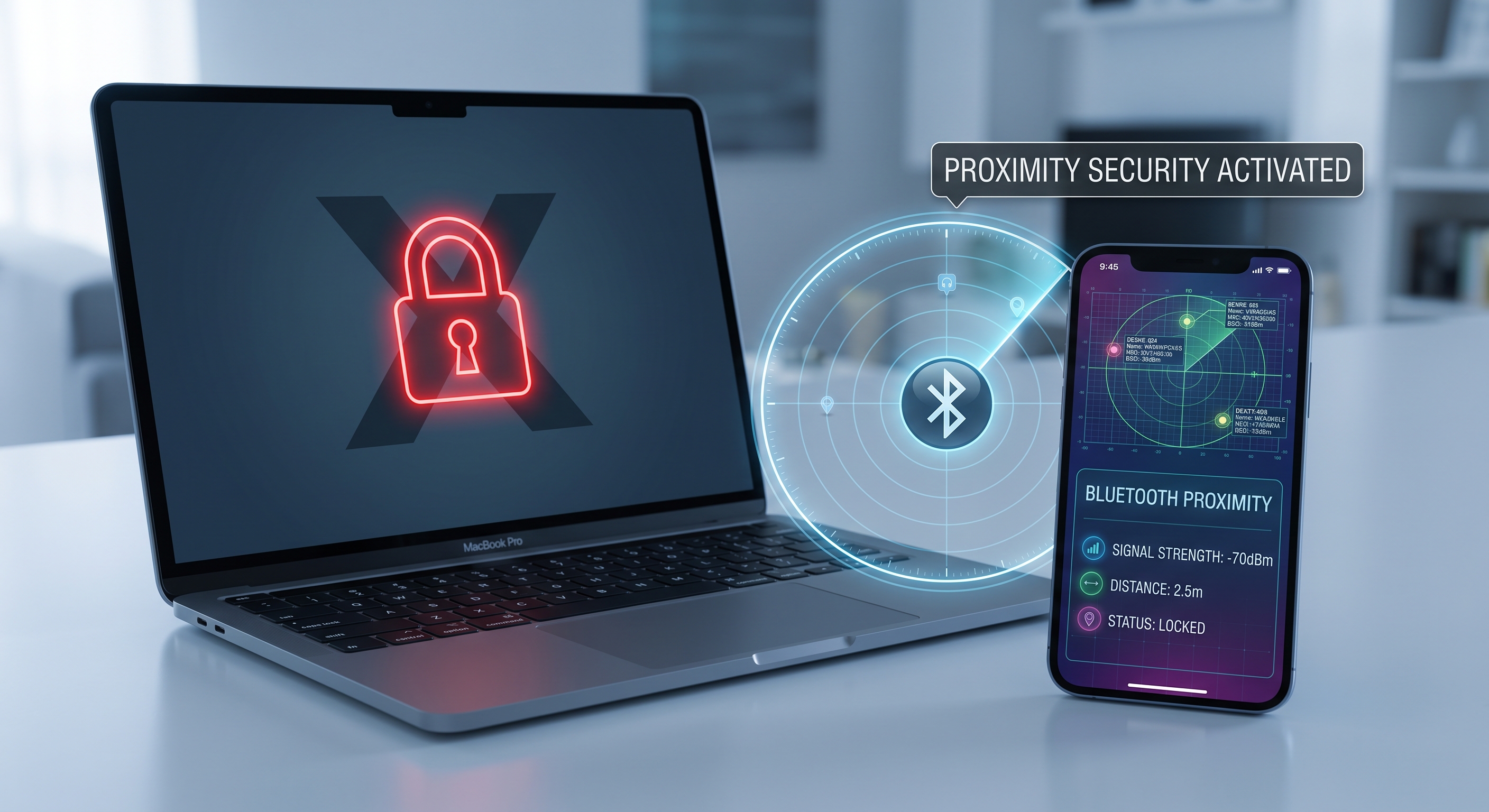
Think about how many times a day you get up from your desk: for coffee, a meeting, to grab something. Now think about how many of those times you lock your screen before leaving. If the answer is "almost never," you are not alone — it is the most common physical security flaw, and also the easiest one to automate.
Why manual locking fails
Locking your Mac by hand relies on your memory at the exact moment you are in the most rush. Native macOS options help, but they have loopholes:
- Inactivity lock: it works, but the timeout is a compromise. At 1 minute, it locks your Mac while you are reading; at 10 minutes, it leaves the door open for too long.
- Hot corners or keyboard shortcuts: they are still manual actions that you have to remember to do.
- Apple Watch unlock: it only unlocks when you return — it doesn't lock when you walk away.
The right question: are you there or not?
The proximity approach changes the question. It doesn't matter how long the Mac has been idle, but rather whether you are nearby. And your iPhone already knows this: it emits a Bluetooth signal whose signal strength (RSSI) indicates how far it is from the Mac.
That is the principle behind Mac AutoLock: the Mac continuously reads your phone's Bluetooth signal and estimates the distance. When you walk far enough away — leaving the room, going to another floor — it locks the screen instantly. When you come back, the Mac unlocks before you even sit down. No shortcuts, no timers, no relying on your memory.
The same signal used by trackers
It is the same RSSI used by Bluetooth radar apps to locate devices — the difference is the purpose: here the signal doesn't spy on anyone, but rather protects your own equipment. The measurement is local between your iPhone and your Mac, with no servers or cloud.
Locking is only half the battle
The other forgotten risk is unlocking: coming back and typing your password ten times a day creates enough friction that many people disable locking altogether. By automating both directions — locking when you leave, unlocking when you return — security no longer takes effort, which is the only way it actually gets maintained.
Who it makes sense for
- Offices and coworkings: the Mac is left exposed every time you get up.
- Coffee shops, campuses, airports: maximum exposure in minimum time.
- At home: less critical, but just as convenient not to have to type your password.
You can see how it works at macautolock.com. And if you are interested in the Bluetooth side of things, BLE Radar shows you nearby signals in real time.