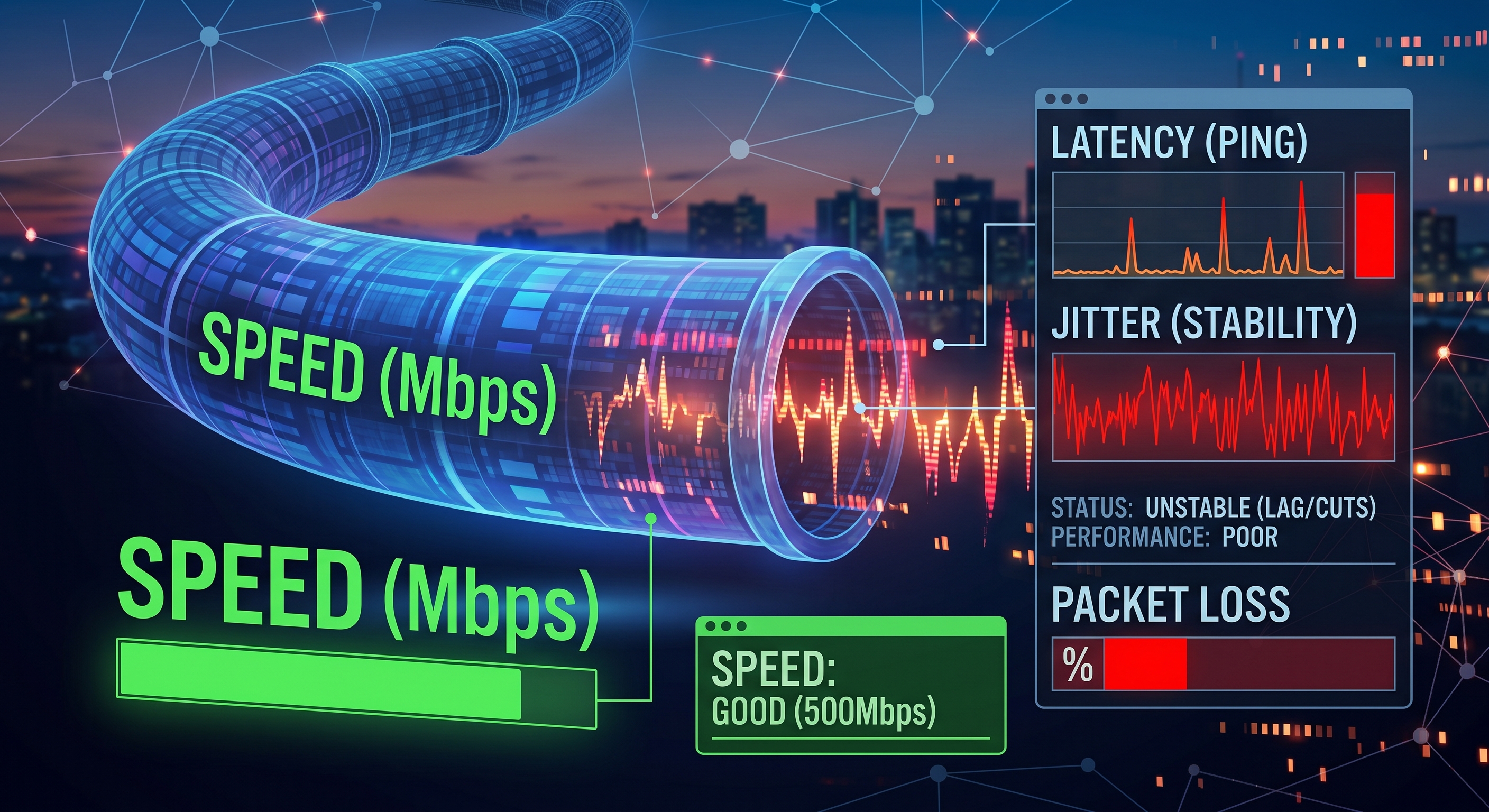
You have 600 Mb fiber, the speed test shows incredible numbers, and yet Zoom freezes, online gaming is choppy, and web pages take a long time to start loading. The problem isn’t speed—it’s latency. They’re two different things, and almost no one measures the latter.
Speed vs. Latency: The Highway Analogy
Speed (bandwidth) is the number of lanes on the highway: how much data can fit at once. Latency is the time it takes for a car to arrive: it doesn’t matter if you have eight lanes if the trip takes a long time. When downloading a movie, the number of lanes matters; but when gaming, making video calls, or browsing the web, what you notice is the journey.
The three numbers that really matter
Ping (latency): the round-trip time to a server, in milliseconds. Less than 20 ms is excellent, 20–50 ms is good, and more than 100 ms is noticeable in games and calls.
Jitter: the variation in ping. A stable 30 ms ping is better than one that fluctuates between 10 and 90 ms. High jitter is what causes video calls to cut out, even if the average seems good.
Packet loss: the percentage of data that doesn’t arrive. Anything above 1% results in robotic-sounding audio and stuttering.
How to measure it on an iPhone
Net-Analyzer includes a ping test that shows latency, jitter, and packet loss against any host. Test against your router first (its local IP, usually 192.168.1.1): if there’s already high latency on your own network, the problem is your Wi-Fi, not your internet service provider.
- High ping to the router: Wi-Fi interference, a congested channel, or too much distance/too many walls.
- Good ping to the router but poor ping to the internet: the problem lies outside your network—with your internet service provider or the remote server.
Bufferbloat: the invisible enemy
This is why everything slows down when someone uploads a file or downloads a game: modern routers store too much data in queues, and that queue adds hundreds of milliseconds. Run a ping test while downloading something large: if the ping spikes only under load, you have bufferbloat.
How to improve latency
- Use an Ethernet cable or move closer to the router: Wi-Fi inherently adds latency and jitter.
- Switch to the 5 GHz band: it has less interference than the crowded 2.4 GHz band.
- Change your Wi-Fi channel: with Net-Analyzer, you can see which channels neighboring networks are using and choose the least crowded one.
- Enable QoS or SQM on your router: this prioritizes calls and games over downloads (to combat bufferbloat).
- Restart your router: The processors in inexpensive routers get overloaded over time.
Conclusion
The next time your “internet is acting up,” don’t just look at the speed test: measure ping, jitter, and packet loss. A good, stable ping is worth more than an extra 100 Mb of download speed for almost everything you do in real time.