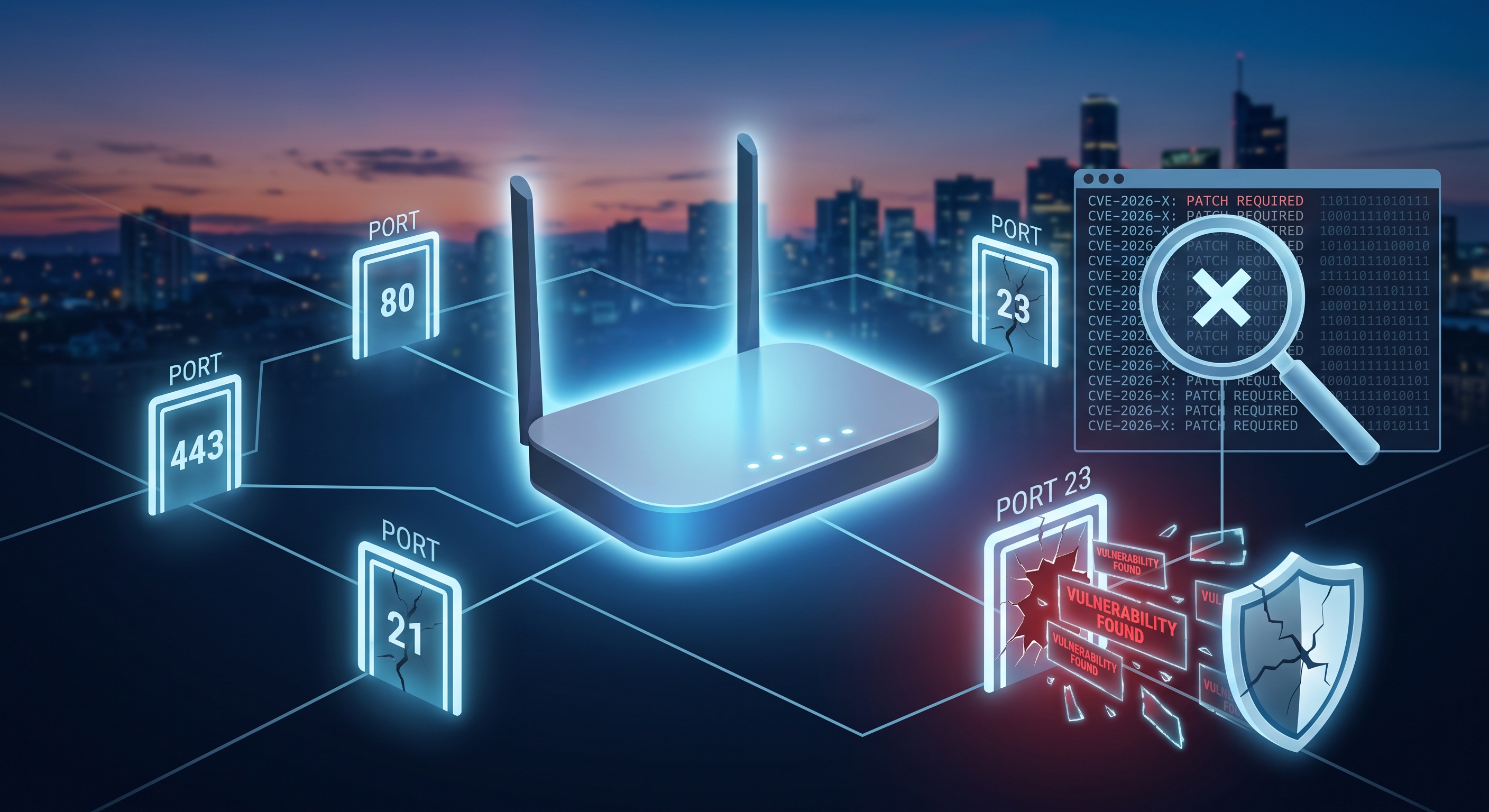
Your router has been running for months or years, with the factory-default firmware and a handful of ports listening to the Internet—without anyone ever checking them. Most home security breaches don’t result from a sophisticated attack, but rather from a known and publicly disclosed vulnerability that nobody patched in time. Here’s how to check if yours is one of them.
What Is a CVE and Why Should You Care
Every time a security flaw is discovered in a router, an IP camera, or any connected device, it’s publicly recorded with a CVE (Common Vulnerabilities and Exposures) identifier, a description of the flaw, and—almost always—a severity score from 0 to 10. This information is public, managed by the U.S. government’s NVD (National Vulnerability Database), and accessible to anyone.
The problem isn’t that CVEs exist—they appear constantly in all software—but rather not knowing whether any of them affect your own device or failing to patch what’s already known to be vulnerable.
What Are Open Ports and What Do They Reveal?
An open port is, basically, a gateway that a service on your router or a device on your network leaves open to listen for requests. Some are essential (ports 80/443 if you have a web control panel), but many are left open by default without the manufacturer documenting them properly: remote management, UPnP, factory-set legacy Telnet…
- Port 23 (Telnet): an unencrypted protocol, common in older routers, but almost always unnecessary today.
- Port 7547 (TR-069): remote management by the service provider; if misconfigured, it has been the source of massive attacks on home routers.
- Port 1900 (UPnP/SSDP): allows devices to discover each other, but also exposes the router to the outside world if not properly restricted.
- Web administration ports open to the Internet rather than just to the local network.
How to Check Your Own Router in a Few Minutes
- Connect to your Wi-Fi network and open a network analysis app like Net-Analyzer.
- Scan your router and review the list of open ports detected on the device.
- Compare your router’s model and firmware with the database of known CVEs for that manufacturer; many scanning tools do this automatically when they identify the device.
- Make a note of any CVEs with a severity rating of HIGH or CRITICAL that match your model: these are the ones you need to address first.
What to do if a known vulnerability appears
- Update the firmware via the router’s dashboard or the manufacturer’s app; patches are already available for most CVEs affecting home routers, even if they don’t install automatically.
- Close any ports you don’t use: Disable Telnet, UPnP, and remote management unless you specifically need them.
- Change the factory default credentials for the administration panel; many CVEs exploit default username/password combinations, not just code flaws.
- Replace the device if the manufacturer no longer releases firmware for that model: an unsupported router accumulates unpatched vulnerabilities indefinitely.
How often to repeat the check
A review every few months or after each major firmware update is sufficient. CVE databases are updated daily, so a router that’s “clean” today may appear on a vulnerability list next month if a new flaw is published for that model.
Conclusion
Most home routers have never closed a port they don’t need or installed the latest security update. Cross-referencing your device’s model with the public CVE database and checking which ports are open to the Internet is free, takes just a few minutes, and prevents your device from becoming the easiest entry point into your own network.